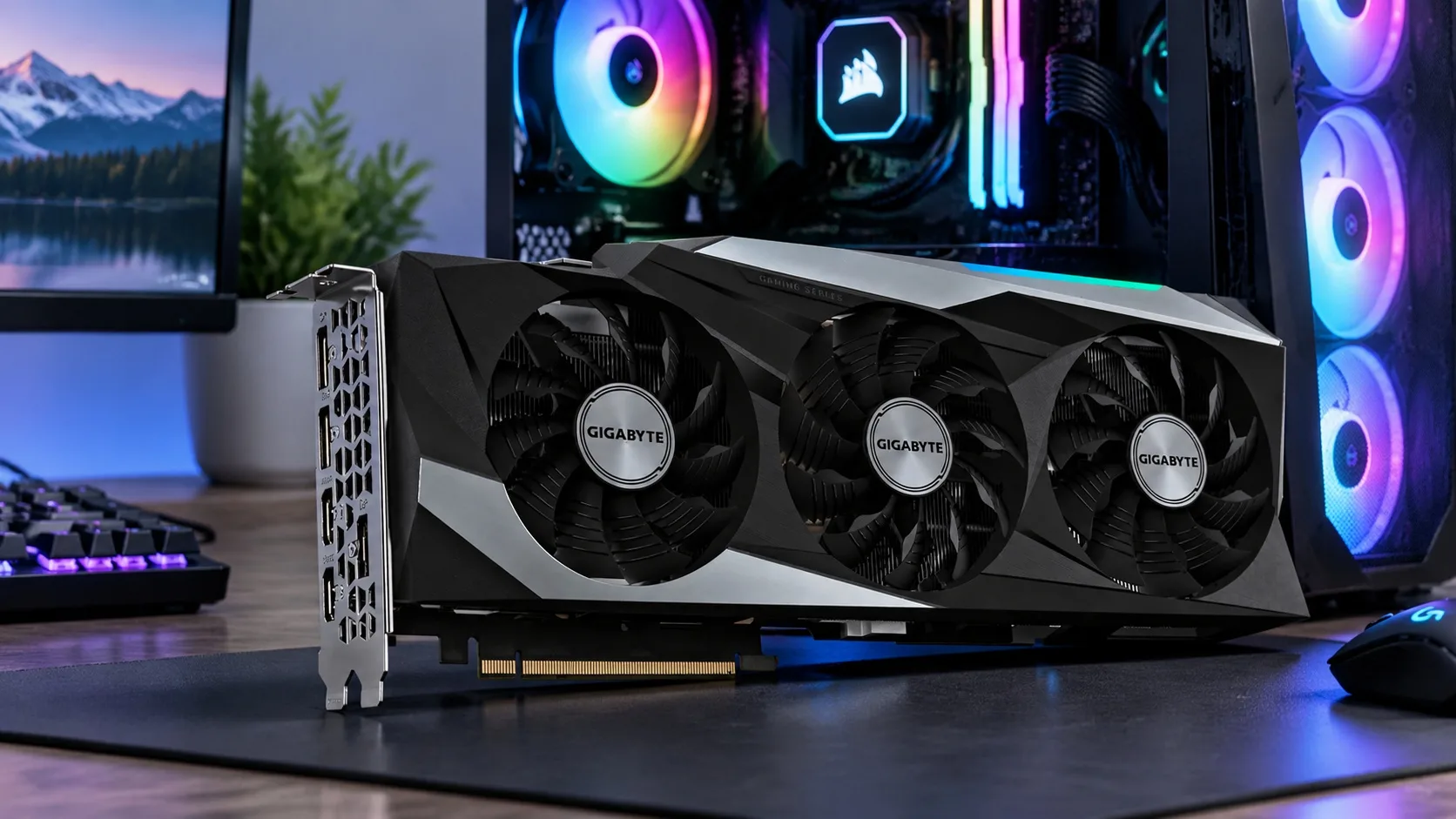
Owners of older GeForce graphics cards have reason to celebrate. A community of enthusiasts has found a way to bypass the restrictions Nvidia deliberately uses to limit artificial intelligence computing on RTX 20, 30, and 40 series cards. In some tests, the result is nearly double the performance. The latest tool also works in Windows and runs from a standard USB drive. However, this applies strictly to AI performance and has no effect on games.
Graphics cards run at only half speed
GeForce graphics cards contain so-called Tensor Cores, specialized circuits for the matrix calculations on which both the training and execution of artificial intelligence models rely. However, Nvidia limits their speed by half on gaming cards for calculations in FP16, BF16, and TF32 formats with FP32 precision when accumulating intermediate results. Yet these are precisely the calculations used for nearly all AI training and work with uncompressed models.
The same silicon sold as a professional RTX A series card runs at full speed. The developer of the gpu-unlock project explains that this is deliberate market segmentation. Companies are expected to buy more expensive professional cards that do not have this restriction.
The entire process began with Nvidia CMP cards designed for cryptocurrency mining, where the community had already learned how to unlock disabled computing capabilities. A developer using the nickname Zagitta adapted these methods for the RTX 30 series in the open-source gpu-unlock project. Other enthusiasts then prepared versions for the RTX 40 and RTX 20 series.
The program runs when the computer starts, before the Nvidia driver loads, and writes the full-speed settings to the card. It does not modify the driver or the card's firmware, so there is no need to repeat anything after updating the drivers.
How much performance increases
The performance of an RTX 3060 card with 12 GB of memory increased from 27 to 51 TFLOPS, that of the RTX 3080 from 65 to 113 TFLOPS, and that of the RTX 4080 from 104 to 193 TFLOPS. The RTX 4090 theoretically doubles its peak performance from 165 to 329 TFLOPS, but in practice it reaches its power limit before it can fully utilize the Tensor Cores.
In everyday workloads, the benefits are more modest but still significant. Prompt processing for large language models speeds up by a quarter to more than half, while the wait for the first word of a response is reduced by roughly a quarter. Model fine-tuning becomes 25 to 50 percent faster, image generation in tools such as ComfyUI improves by 30 to 55 percent, and video creation by 15 to 20 percent.
However, some things do not change at all. Text generation itself in language models is limited by memory speed, which unlocking does not increase. Those using compressed models in Ollama or llama.cpp will see an improvement of no more than 15 percent, and usually only with long texts. Models in INT8, FP8, or INT4 formats will not become faster, and neither will games. Calculation results remain exactly the same after unlocking; only the speed changes.
Which cards can be unlocked
The Linux version of gpu-unlock works reliably on the RTX 30 series, where more than one hundred users have confirmed its functionality. This includes models from the RTX 3050 to the RTX 3090 Ti, as well as the laptop versions of the RTX 3070 and 3080. Support for the RTX 40 and RTX 20 series remains experimental. The tool does not support the latest RTX 50 series and, according to the author, this is unlikely to change.
However, laptops present a complication. The unlock persists only if the graphics card never powers off completely. Many laptops put it to sleep when idle, which restores the settings to their original state.
How to get it running on Linux
Installation on Linux requires some work in the terminal. The user downloads the project from GitHub, runs the installation with the make install command, and adds the line gpu_unlock.targets=all to the kernel parameters used when the system starts. For most distributions, this means editing the GRUB bootloader configuration and regenerating it. The program then unlocks all supported cards at every startup, which takes roughly one second.
After the computer is suspended to memory, the card automatically unlocks again, but the tool does not support saving to disk during hibernation. The system log indicates whether everything completed successfully. To disable unlocking, simply remove the added line from the kernel parameters.
Windows via a flash drive
Zagitta does not use Windows and does not want to maintain support for it. Various unofficial installers have therefore appeared online, which the author strongly warns against. He also points out that the project has no website or installer of its own.
For Windows users, the most practical option now is the NV UEFI Unlocker tool from developer physicsdolphin. It runs before the operating system from the UEFI environment, which is the computer's basic firmware. It therefore works with Windows, Linux, and other systems capable of booting in UEFI mode. The process bypasses the card's signed firmware to allow writes to two registers that determine Tensor Core speed, and then verifies the written values by reading them back.
The package does not contain any firmware from Nvidia. One of the scripts automatically downloads the public driver version 610.43.03, verifies it, and builds the required files directly on the user's computer. The user then copies these files together with the BOOTX64.EFI boot file to a flash drive formatted as FAT32. When starting the computer, the user boots from it via the one-time device menu and confirms execution with the space bar within 30 seconds. The tool unlocks the card and hands control over to the operating system.
The computer must run in UEFI mode, and Secure Boot must either be disabled or configured to trust the self-signed file. This may cause problems with games whose anti-cheat protection requires Secure Boot. According to a member of the development team, the tool cannot bypass this requirement. Owners of RTX 20 series cards must first run the included script once to switch the Windows driver into GSP firmware mode, then restart the computer. On laptops, the dedicated graphics card must be enabled during startup, so the author recommends switching the laptop to a mode in which it runs exclusively on that card.
The unlock persists only until the computer is completely powered off. The card therefore undergoes no permanent changes, but the entire process must be repeated at every startup. The team is already preparing an option to run the tool directly from the hard drive.
What works in Windows and what does not
In Windows, developers and users have confirmed that the tool works on the RTX 2070 and 2060 Super. In the RTX 30 series, the RTX 3080 models, including the LHR version, the 3060 Ti, the 3060 with 12 GB of memory, and the laptop versions of the 3080 Ti and 3070 all run successfully. In the RTX 40 series, it works with the RTX 4090, 4080, 4070 Ti Super, 4070 Super, 4070, both versions of the 4060 Ti, and the laptop variants of the 4060 and 4050.
The RTX 2080, 2080 Ti, and 2080 Super models have problems, failing either when the computer starts or when control is handed over to the system. No one has yet tested the RTX 3050 or the laptop version of the RTX 4070. For external graphics cards connected via Thunderbolt, it is unclear whether the unlock persists at all. The GTX 16 series should theoretically work, but this has not yet been verified. Older cards and the RTX 50 series are not supported, with the latest generation having much stronger security than the developers originally expected.
The Windows figures match the Linux results. The author's RTX 2070 increased from 36 to approximately 60 to 63 TFLOPS, a laptop RTX 4060 rose from 30 to 49 TFLOPS, and one owner's RTX 4080 nearly doubled its performance to 192 TFLOPS. The RTX 4090 improved by roughly half because its power limit prevented it from reaching higher values.
Is it safe?
According to the author of the gpu-unlock project, damaging the card is highly unlikely. The graphics card may become slightly hotter under heavier load, but the usual overheating protections and power management continue to work and will slow the card down if necessary. Although the developers of NV UEFI Unlocker state that their program can be combined with a utility for increasing the power limit, they also warn that the card may then exceed its factory power and temperature limits. The verification of individual card firmware required by the project itself has not yet been completed, and the entire tool remains in the testing phase.
Sources: videocardz.com, wccftech.com and tomshardware.com