

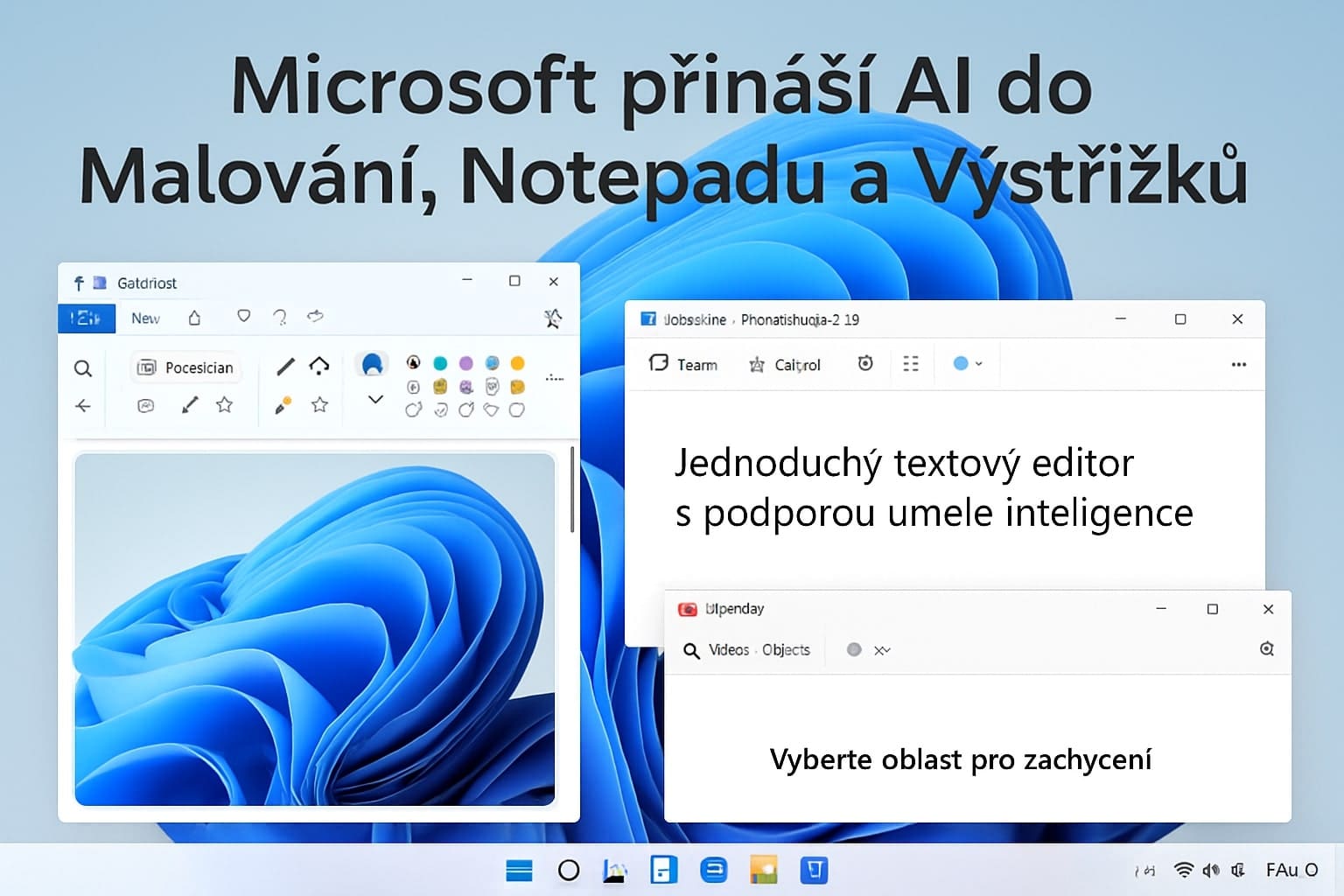
Microsoft Brings AI to Paint, Notepad, and Snipping Tool: New Features Transform How We Work with Windows
In May 2025, Microsoft unveiled significant updates to three core Windows 11 applications, putting advanced AI features directly into users' hands. Updates to Paint, Snipping Tool, and Notepad are now available to Windows Insiders in the Canary and Dev channels and represent an important step in integrating artificial intelligence into the Windows operating system's everyday tools.
Paint Gains AI Creativity with Sticker Generator
Paint has undergone the most significant transformation with the addition of the Sticker Generator feature, which harnesses the power of artificial intelligence to create custom stickers based on text descriptions. Users can now simply enter a prompt, such as "a cat wearing sunglasses," and AI will create a corresponding sticker that can be immediately added to the canvas. These generated stickers can not only be used directly in Paint, but also copied for use in other applications or saved for later use. However, this innovative feature is only available on Copilot+ PCs and requires users to sign in with a Microsoft account. In addition to Sticker Generator, Paint also introduces the Object Select feature, which uses AI to intelligently select and isolate individual elements in an image. This technology allows users to manipulate specific parts of an image much more easily without the need for manual tracing or complex selections. The new version of Paint (11.2504.451.0) also includes the Welcome Experience—a welcome screen that introduces the latest features to both new and existing users. This feature helps users quickly familiarize themselves with the application's new capabilities.
Snipping Tool Becomes a Precision Tool
Snipping Tool version 11.2504.38.0 introduces two key new features focused on improving accuracy and usefulness when working with screenshots. The Perfect Screenshot feature uses artificial intelligence to automatically adjust the screenshot selection area based on the content displayed on the screen. This technology eliminates the need for subsequent cropping or resizing and ensures precise capture of the desired content every time. The second major addition is Color Picker, which allows users to select any color from the screen with pixel-level accuracy. The tool displays color values in various formats, including HEX, RGB, and HSL, which is particularly useful for designers or developers who need precise color codes for their work. However, both features are only available on Copilot+ PCs.
Notepad Revolutionizes Text Creation
The biggest surprise comes with the Notepad update, version 11.2504.46.0, which introduces the AI Write feature. This technology allows users to generate text with artificial intelligence directly within Notepad by entering prompts or using existing content as context. The output appears immediately, and users can keep it, discard it if the results are unsatisfactory, or refine it further using follow-up prompts. The feature can be activated in several ways: by right-clicking and selecting Write, selecting Write from the Copilot menu, or using the Ctrl + Q keyboard shortcut. Using this feature requires signing in with a Microsoft account, and usage is managed through a system of AI credits tied to Microsoft subscriptions such as Microsoft 365 Personal, Family, Enterprise, or Copilot Pro. Users who do not wish to use AI features can disable these options in the application's settings. This update builds on previous Notepad enhancements, which included the Summarize and Rewrite tools.
The Future of Windows with AI Integration
These updates continue Microsoft's strategy of integrating advanced artificial intelligence into common Windows applications to simplify creative tasks and provide a more intuitive user experience across the entire ecosystem. The current release is limited to Canary and Dev Channel Insiders, but a broader rollout is expected later in 2025. All these new features demonstrate how Microsoft is seeking to transform basic Windows tools from simple utilities into advanced AI-assisted applications that can significantly enhance users' productivity and creativity in their everyday computer work.


