

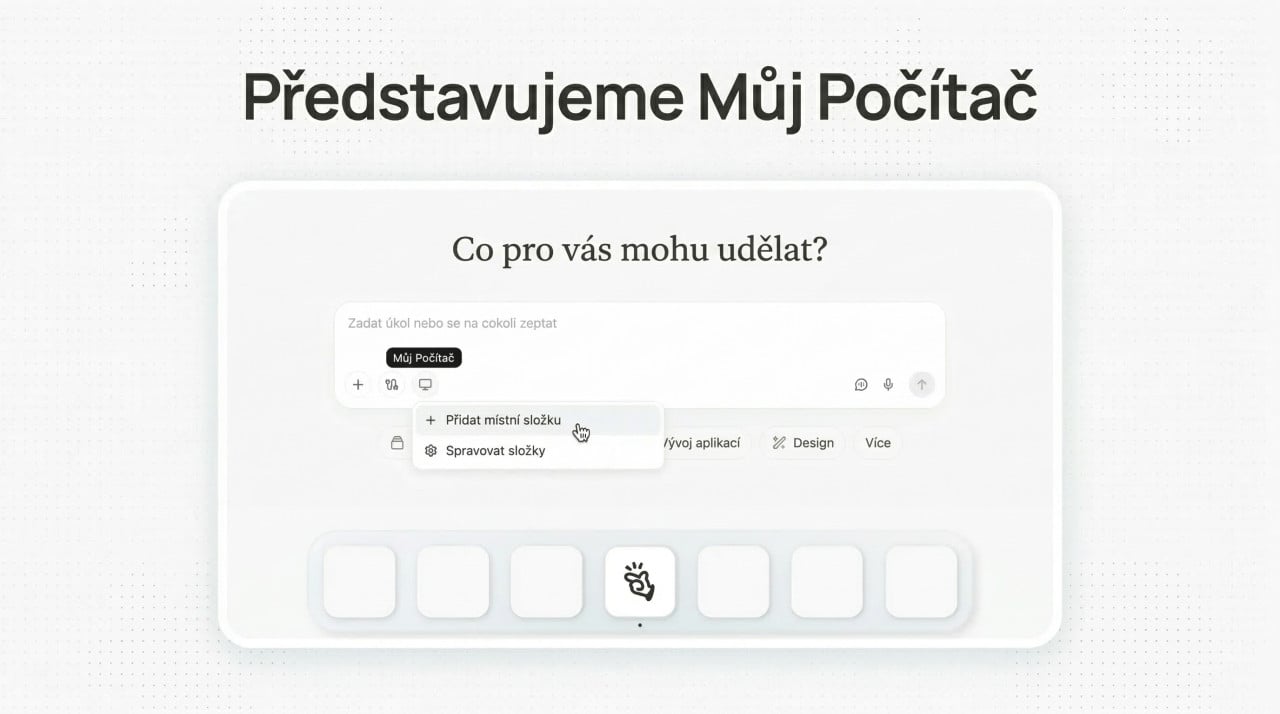
For a long time, one rule applied: Manus lived in the cloud. You opened a browser, logged in, entered a task, and the AI agent worked somewhere far away on servers. It worked well, but there was one major problem. Your most important files, projects, and applications are not in the cloud. They are on your computer. Manus has now changed that by launching a desktop application with a feature called My Computer, which brings the AI agent directly to your Mac or Windows PC. No browser redirects, no file uploads. Manus simply sits on your machine and works with what you have there.
What exactly can My Computer do?
The principle is elegantly simple. Manus Desktop runs commands through your computer's terminal. But the result is surprisingly straightforward: Manus reads, analyzes, and edits your local files, launches applications, and controls the tools you have installed.
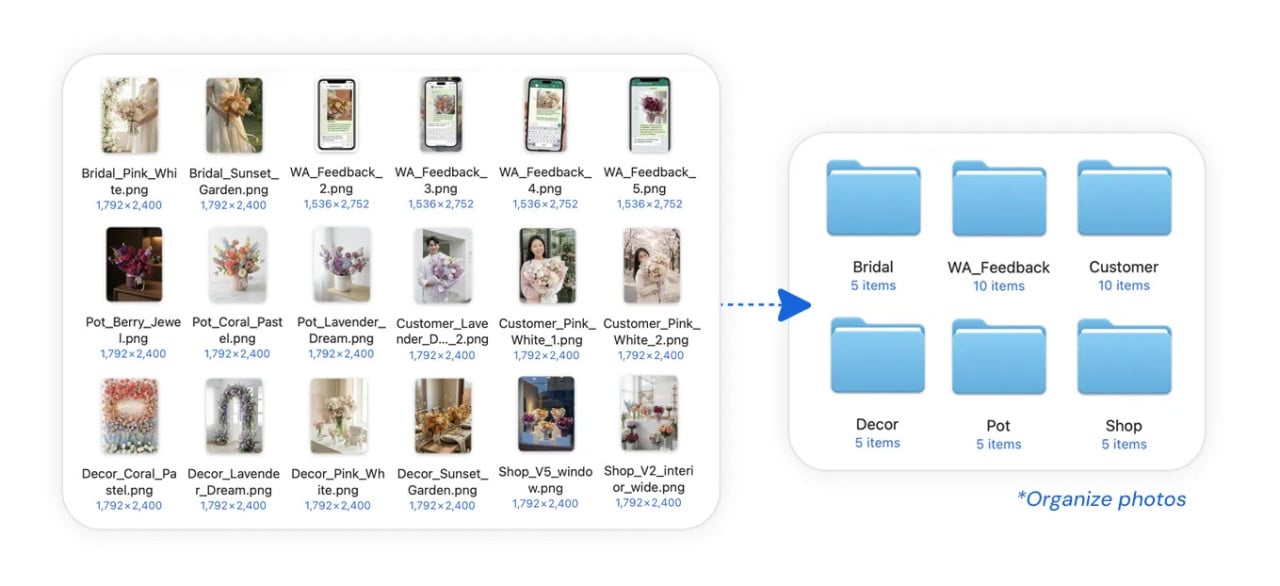
The Manus team illustrates this with a specific example. A florist has thousands of unsorted photos on her computer. Bouquets, houseplants, photos from customers, all in one large folder. She only needs to tell Manus: "Organize my flower shop photos." Within a few minutes, it searches the files, recognizes the content of each image, creates subfolders, and sorts the photos. What would take a person an entire afternoon, AI can handle in minutes.
Or consider an accountant who needs to rename hundreds of invoices into a consistent format. Boring, repetitive work. Exactly what Manus was made for.
A finished application in twenty minutes
One of his colleagues on the Manus team challenged it to build a Mac application for translating meetings in real time and displaying subtitles. The entire project in Swift, from scratch. And the result? A working application in twenty minutes. Manus handled the entire process through the terminal: creating the project, writing code, debugging errors, and packaging it into an executable file. Xcode was not even opened. The programmer did not write a single line by hand.
It is a demonstration of what happens when an AI agent gets full access to tools such as Python, Node.js, or Swift directly on your machine.
You decide what Manus does
Letting an AI agent loose on your computer sounds a little frightening to many people. And honestly, the concerns are understandable. Manus responds to this with a clear approach: every terminal command requires your explicit approval before it runs.
You have two options. You can either select "Allow Once" and review each operation individually, or set "Always Allow" for actions you fully trust. You are the commander, Manus is the executor. However, security experts warn that giving AI agents access to local devices introduces new risks. Time and experience will show whether the confirmation system is sufficient.
Meta's two-billion-dollar acquisition
There is a major story behind Manus. In December 2025, Meta announced its acquisition of Manus for approximately two billion dollars to strengthen its own AI capabilities and integrate autonomous agents into products such as the Meta AI assistant. Manus was originally founded in China before moving its headquarters to Singapore. Chinese authorities are reportedly reviewing the acquisition for possible violations of technology controls.
Manus Desktop arrives at a time when the world of AI agents is buzzing. A major role in this is played by OpenClaw, an open-source AI agent that users also install directly on their devices. Nvidia CEO Jensen Huang called it "the next ChatGPT." OpenClaw founder Peter Steinberger was recently hired by OpenAI, one of Meta's main competitors.
But the difference is fundamental: OpenClaw is free under the MIT license, while Manus is a paid subscription service. Who will offer more for less?
How do you get started?
Getting started is simple. Download Manus Desktop from the official website, log in to your account, click "My Computer," and add the folders you want Manus to work with. The application works on both macOS and Windows.
From the beginning, Manus presented itself as "an action engine, not just a chat assistant." The cloud sandbox gave it its own workspace. My Computer brings it into yours. And that is quite a significant difference.


