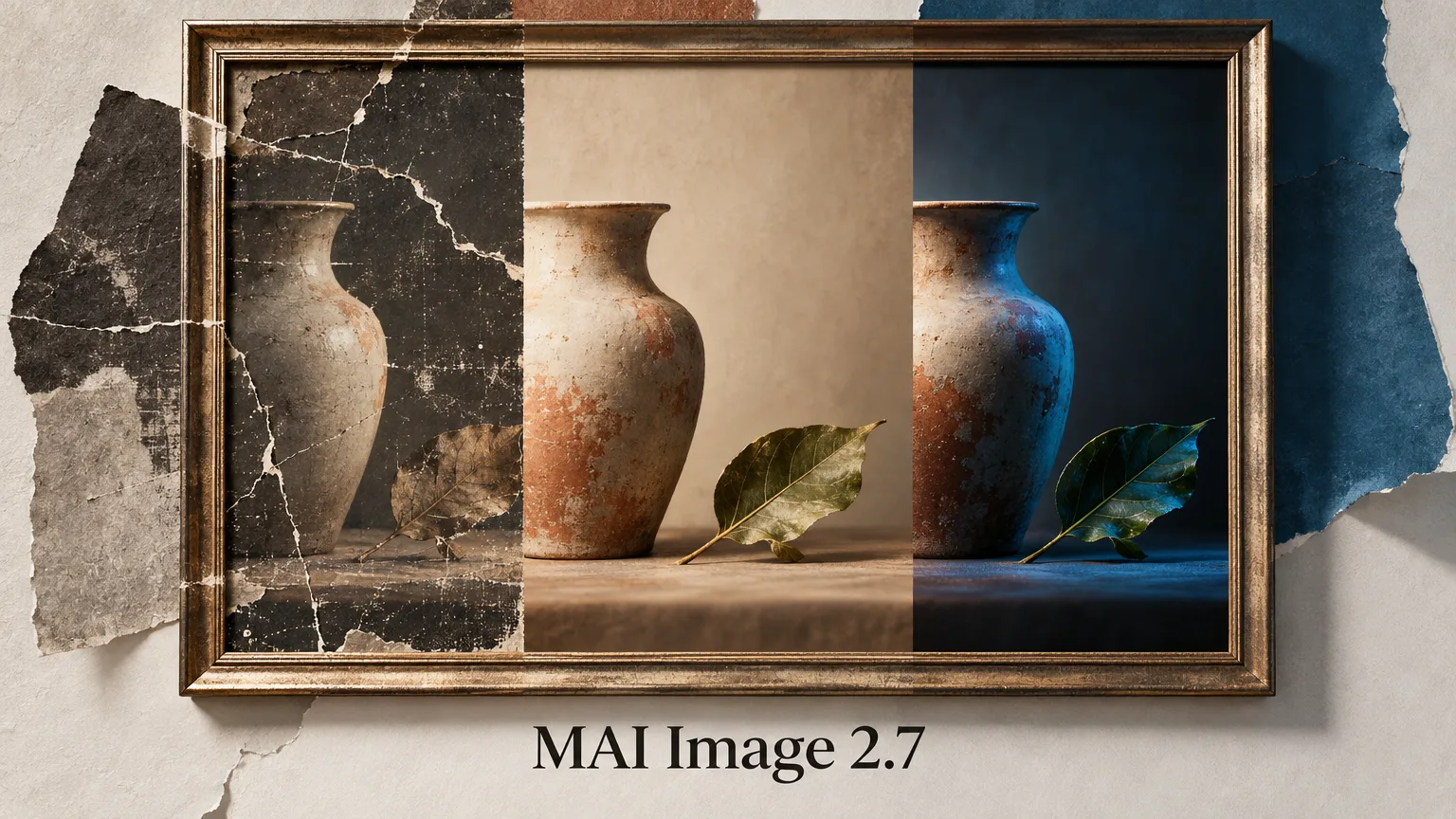
Microsoft has introduced MAI Image 2.7 in preview, a model designed to edit images. Users can change the style and lighting of an entire scene, edit text and symbols, or restore existing image assets.
Editing scenes and individual elements
The model can also make edits that require an understanding of the relationships between objects, light and their surroundings. Microsoft gives examples including moving a product into a different setting, changing the lighting and mood, or reworking individual objects within a scene.
Alongside changes to a whole scene, users can edit text and symbols while keeping them integrated into the image. The model is also designed to enhance and restore existing image assets.
Comparison with the previous version
According to Microsoft, version 2.7 improved on 2.6 across all ten use cases and seven types of edits evaluated by Artificial Analysis. At launch, Microsoft says, it placed third on Arena Edit and second on the Artificial Analysis image editing leaderboard.
Microsoft says the model is among the leaders in image enhancement and restoration, reasoning-based edits, scene and style changes, and text and symbol editing. In scene and style, the company says it is 24 Elo points ahead of the next-best model.
Where to try the model
MAI Image 2.7’s editing capabilities are available on Arena, Artificial Analysis and MAI Playground. Microsoft is starting with edits to existing images, with text-to-image generation planned for later.