

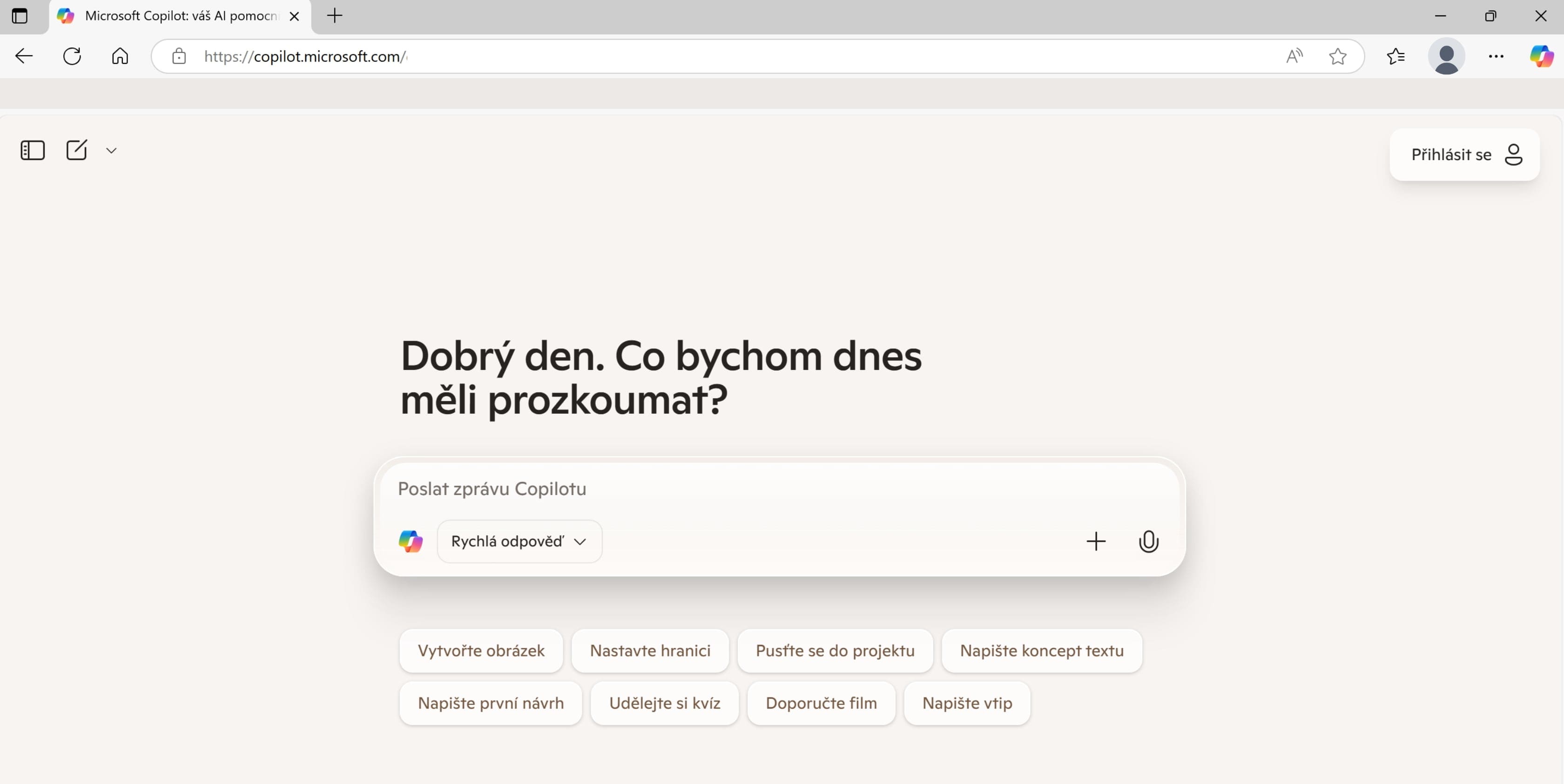
Microsoft Edge is becoming an AI browser. Copilot Mode introduces a new way to search
Artificial intelligence is changing many areas of our lives, and now it will even change the way we use the internet. Microsoft Edge launched Copilot Mode in its browser at the end of July. With it, you no longer need to switch between tabs and conduct complicated searches. This AI mode compares information from different sources on its own and presents you with clear results.
What is Copilot Mode?
All modern browsers work in much the same way. You enter a query, open a link, and repeat the process over and over. But what if you want to compare multiple tabs? Or your query is so complex that you cannot find the answer on just one page? That is exactly what Copilot Mode is for.
This new mode in Microsoft Edge combines search, conversations with AI, and an overview of what you currently have open in your browser. The new browser interface looks more like a conventional AI chatbot. The difference is that Copilot Mode in Edge can work with your search history or open tabs.
What Microsoft Copilot Mode can do
When you launch Copilot Mode, instead of the standard home page, you will see a single input field where you can formulate your query. However, the browser interface remains the same, so you can still add more tabs and search. The difference becomes apparent when you are looking for an answer to a more complex question. Copilot can:
-
Compare hotels and choose the best one based on your criteria
-
Search the web for specific information and process it into an easy-to-understand format for you
-
Find a suitable restaurant near you and choose the ideal time to visit
-
Compare products, reviews, or articles
-
Plan a reservation, itinerary, or route
-
Suggest additional services based on your preferences
-
Keep track of your projects
If Copilot wants to analyze your search history or open tabs for better results, simply enable Context clues in the settings. The entire process is transparent, and you can revoke the search engine's access to your information at any time.
You do not have to type, just speak
Copilot in Microsoft Edge also supports voice search. This makes the entire process faster, more accessible, and more interactive.
And how much does it cost?
Copilot Mode is currently in the testing phase and is available to users for free. However, Microsoft notes that it may become part of the paid Copilot Pro package in the future. So, if you want to experience the new era of AI search, now is the ideal time.
How to launch Copilot Mode in Microsoft Edge
On your computer (Windows or Mac), simply open the Edge browser and click the Copilot icon in the search box. If the browser offers to activate Copilot Mode, allow it. At that moment, an interface similar to ChatGPT or Gemini will appear in front of you.
From that moment on, you can use the search engine as your assistant. To access your history or tabs, simply additionally allow Copilot to use context clues.
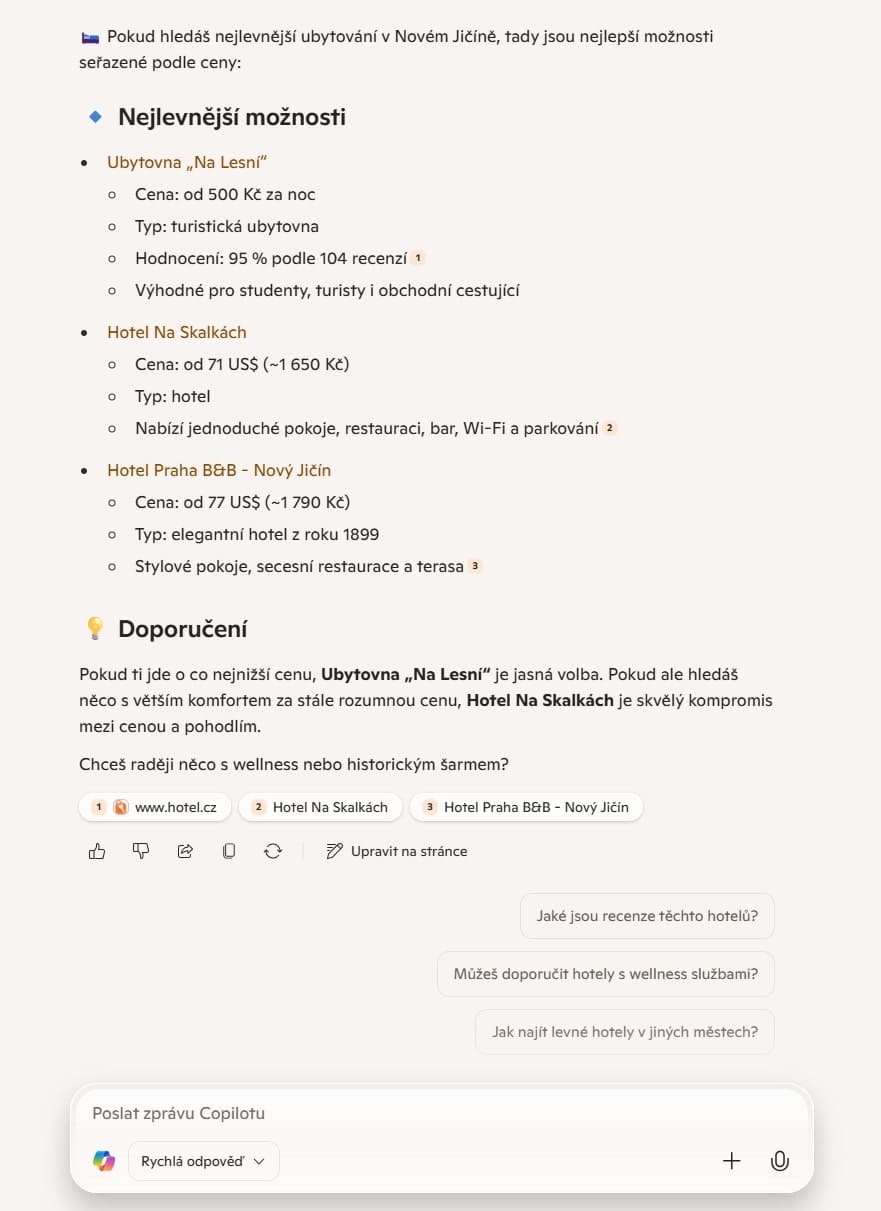
Why should you try Copilot Mode in the Edge browser?
Copilot Mode is not just another browser add-on. It changes the way we think about search. Browsing the web is now becoming a smart and interactive experience that better meets our needs and saves time.
In doing so, Edge shows that a browser does not have to be just a passive gateway to the world of the internet, but an active assistant that understands our needs, searches for answers, makes decisions, and can act on them.
So, if you are tired of wasting time switching between dozens of tabs and conducting complicated searches, this new mode is definitely worth trying.
Source: Microsoft, Windows Central, The Verge


