

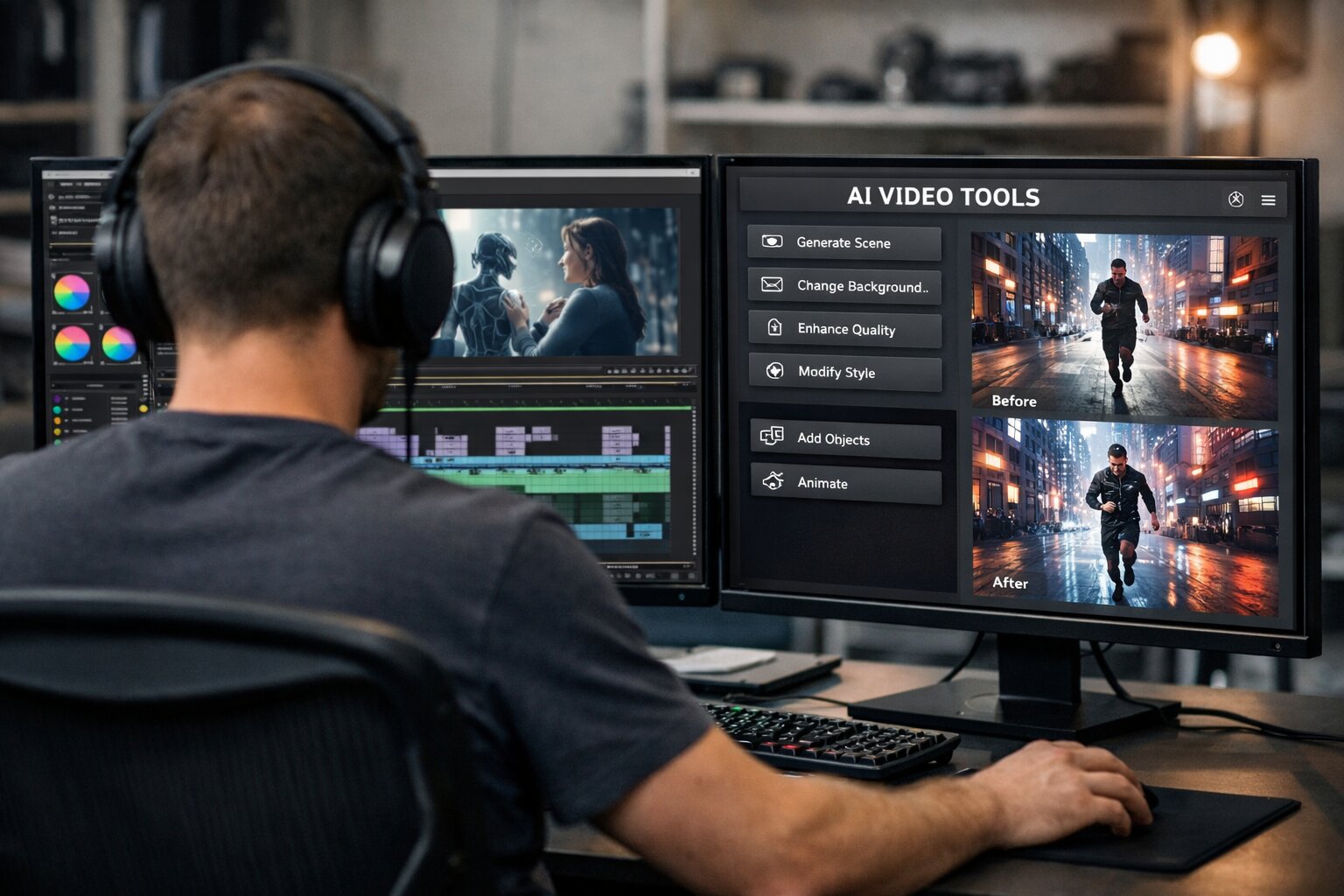
AI-generated videos are no longer just experimental clips on social media. Filmmakers now use AI tools for scriptwriting, character design, shot generation, sound, and post-production – often within a single streamlined workflow. As these tools improve, the traditional boundaries between pre-production, production, and post-production are becoming blurred.
This raises a more practical question than whether AI can create a film: how would a working filmmaker actually use these tools? From initial ideas to final edits, AI software allows individual creators and small teams to attempt projects that once required entire crews and large budgets.
Pre-production: Where Ideas Are Born
Pre-production is the brainstorming phase, where ideas are developed and tested, leading to new directions and, ideally, discoveries that become the foundation of your story.
- Nano Banana Pro – This image generation and editing tool from the Google Gemini model family became one of the AI breakthroughs of 2025. It can create high-quality images at resolutions up to 4K and is particularly strong at working with text and layouts – areas where earlier models often failed. It is excellent for developing ideas, allowing you to create images of your characters from different angles, in different outfits, and in different situations. These images can then be animated using Veo 3, enabling strong character consistency across shots, which remains one of the most difficult challenges in AI filmmaking.
- ChatGPT – ChatGPT remains a versatile tool for research and planning. For filmmakers, it can handle background research, setting development, historical context, rough budgets, and prompt refinement. When used carefully and with sources verified, it can replace much of the early-stage research traditionally handled by production assistants. It is also effective at refining prompts for image and video models, often producing more reliable outputs than initial human attempts.
- DeepSeek – This Chinese rival to ChatGPT can achieve similar results. It is excellent for research and prompt engineering and is already integrated into the Kling interface.
- Midjourney – Despite growing competition, Midjourney still excels in image quality and aesthetic range. This tool is good for brainstorming, generating interesting visual ideas, and creating images for marketing materials such as pitch decks. You can also easily animate the images you create (in somewhat restrictive 5-second increments).
Production: Generating Shots Instead of Filming Them
Production is where AI filmmaking differs most from traditional practice. Instead of capturing footage, creators generate scenes, often producing multiple variations of the same scene before selecting and refining the results.
- Google Veo 3.1 / Flow – Google DeepMind Veo 3.1 is currently among the most powerful text-to-video models. It can create detailed, realistic visuals in extendable 8-second shots at resolutions up to 1080p. Veo 3 creations have few artifacts or instances of strange AI logic, and the physics generally make sense, especially when the model is used to animate static images created with Nano Banana. This workflow works particularly well within a scene when the same character needs to be shown from different angles. Veo 3.1 can also generate basic sound effects and dialogue, although nuanced voice performances are usually handled better elsewhere.
- Sora 2 – OpenAI's latest Sora model produces cinematic video clips ranging from 10 to 20 seconds at 1080p resolution. Although it can struggle with fine details and strict adherence to prompts compared with Veo, its outputs are often visually impressive. Sora also includes a built-in social platform that encourages experimentation and the public sharing of generated clips.
- Kling – Kling offers high-quality image and video generation at resolutions up to 4K on higher-tier plans. Although generation times can be slower than with Veo, Kling excels at dynamic movement and physical realism. Its audio output is less consistent, but visually it remains among the top tools currently available.
- Runway – Runway's video generation capabilities are solid, but its true strength lies in its broader suite of creative tools. It allows you to easily replace your characters' backgrounds or clothing, design moods and scenarios, perform motion capture, and add various visual effects to your work.
- OpenArt.ai – OpenArt.ai serves as a multi-model hub, offering access to more than 100 AI models, including several mentioned here. You can even customize your own. Will you get the same quality from Veo 3 on OpenArt.ai as on Google's native platform? That is open to debate, but the convenience of having all the models in one place is hard to beat.
- Higgsfield AI – Higgsfield emphasizes cinematic control and offers camera movements such as dolly shots, crane movements, and bullet-time-style effects. It uses proprietary AI technology to produce its visuals, while its Cinema Studio promises to reinvent the entire filmmaking workflow.
Post-production: Bringing Everything Together into the Final Cut
Post-production remains the most technical phase, even in AI-assisted filmmaking. This is where diverse clips, resolutions, and audio sources are brought together into a cohesive narrative.
- Suno – Suno has become one of the most capable platforms for AI music generation. Some genres work better than others, and human musicians could certainly object to some of its musical ideas, but it is no secret that AI artists are climbing the music charts, and with Suno you will quickly understand why. Suno also recently partnered with Warner Music, significantly expanding its potential.
- Topaz Labs – Topaz Labs tools are widely regarded as best in class for upscaling, sharpening, and restoring visual content.
- Megapixel AI – Megapixel AI can clean up and upscale still images to 8K and beyond, while Video AI excels at improving the resolution and quality of footage across mixed-format shots. These tools are particularly valuable for documentary filmmakers and projects combining AI-generated and archival footage.
- ElevenLabs – ElevenLabs can quickly import and train on a voice, then create convincingly natural-sounding audio from text, as if that person had actually said it. The tool is highly useful for audio editing, creating digital avatars, or various post-production applications, especially when using the company's Studio product.
- Adobe Enhance Speech tool – The Adobe Enhance Speech tool is a focused but effective solution for cleaning up audio. Originally aimed at podcasters, it removes background noise and artifacts with minimal setup, making it useful for filmmakers working with imperfect recordings.
With the right combination of tools, individual creators can now attempt projects that once required entire production teams. Whether this leads to a fully AI-generated feature film or simply transforms the way films are made, the change is already underway.


