

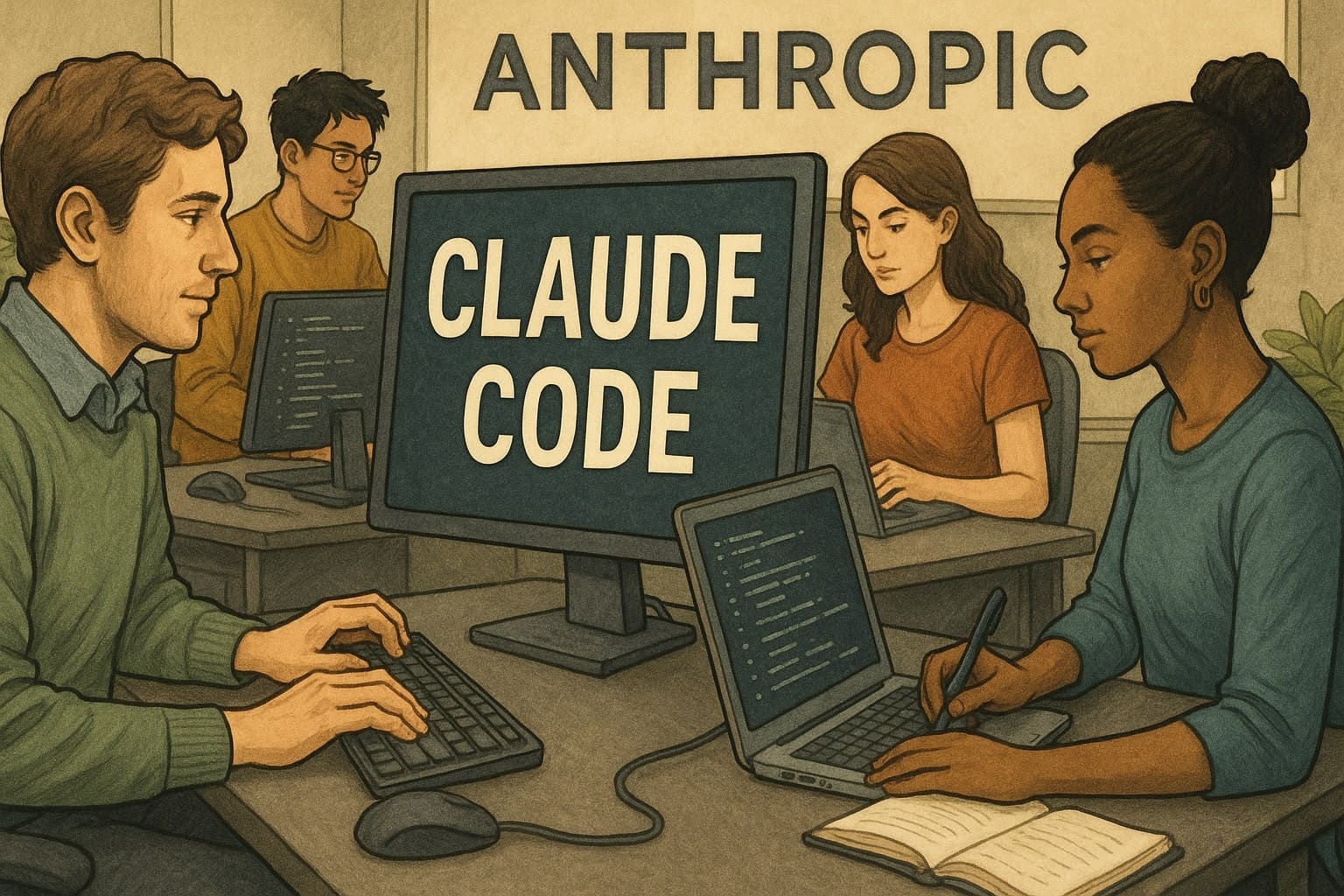
How Teams at Anthropic Use Claude Code to Work Faster and Smarter
Imagine having a tool that not only speeds up programming but also enables non-technical teams to build complex systems. That is exactly how Claude Code (Claude's coding tool) works at Anthropic. This agentic tool helps developers automate tasks, tackle complex projects, and even dissolve the boundaries between technical and non-technical roles. Anthropic employees use it in unexpected ways—from creating ad variations to building phone trees. Let's look at some specific examples of how it works in practice.
Code Navigation and Understanding
Teams at Anthropic often use Claude Code to help new employees quickly understand complex underlying codebases. For example, new data scientists on the Infrastructure team upload the entire codebase into the tool. Claude then reads CLAUDE.md files, identifies relevant sections, explains data pipeline dependencies, and shows which upstream sources feed dashboards. This replaces traditional data cataloging tools.
The Product Engineering team calls it the "first stop" for any programming task. They ask it to identify the files needed for bug fixes, new features, or analyses, saving hours of manually gathering context.
Testing and Code Review
Claude Code excels at automating tedious tasks such as writing unit tests and reviewing code. The Product Design team uses it to create comprehensive tests for new features. They have automated comments on Pull Requests via GitHub Actions, where Claude fixes formatting issues and refactors test cases.
The Security Engineering team transformed its workflow from a chaotic process into a structured one: they ask Claude for pseudocode, guide it through test-driven development, and review it regularly. The result is more reliable code. It even translates tests into other languages, such as Rust, for the Inference team, which tests features in unfamiliar environments.
Debugging and Troubleshooting
Speed is crucial during production incidents. The Security Engineering team uploads stack traces and documentation to Claude Code to trace the control flow through the codebase. Problems that previously took 10–15 minutes are now resolved three times faster.
The Product Engineering team has gained confidence in making fixes in unfamiliar codebases—they simply describe the bug, and Claude suggests a solution. In one case, the Data Infrastructure team diagnosed Kubernetes cluster failures using dashboard screenshots. Claude guided them through the Google Cloud interface, identified pod IP address exhaustion, and provided the exact commands for creating a new IP pool, saving 20 minutes during an outage.
Prototyping and Feature Development
Claude Code enables rapid prototyping even without deep expertise. The Product Design team uploads designs from Figma and sets up autonomous loops in which Claude writes code, tests it, and iterates. In one case, it built Vim key bindings with minimal oversight.
Data scientists who do not know TypeScript build entire React applications to visualize the performance of RL models (reinforcement learning models). All it takes is a simple prompt in a sandbox, and the tool creates visualizations from scratch.
Workflow Automation and Optimization
The Growth Marketing team built a workflow that processes CSV files containing ads, identifies underperforming variations, and generates hundreds of new ones in seconds while adhering to character limits. They also developed a Figma plugin that generates up to 100 ad variations in half a second.
Even the Legal team created prototypes of "phone tree" systems to connect people with the right lawyers at Anthropic, demonstrating how non-technical teams can build tools without developers.
Claude Code therefore not only accelerates traditional development but also opens the door to new possibilities. Teams treat it as a thought partner, leading to faster innovation and knowledge sharing across the company.


