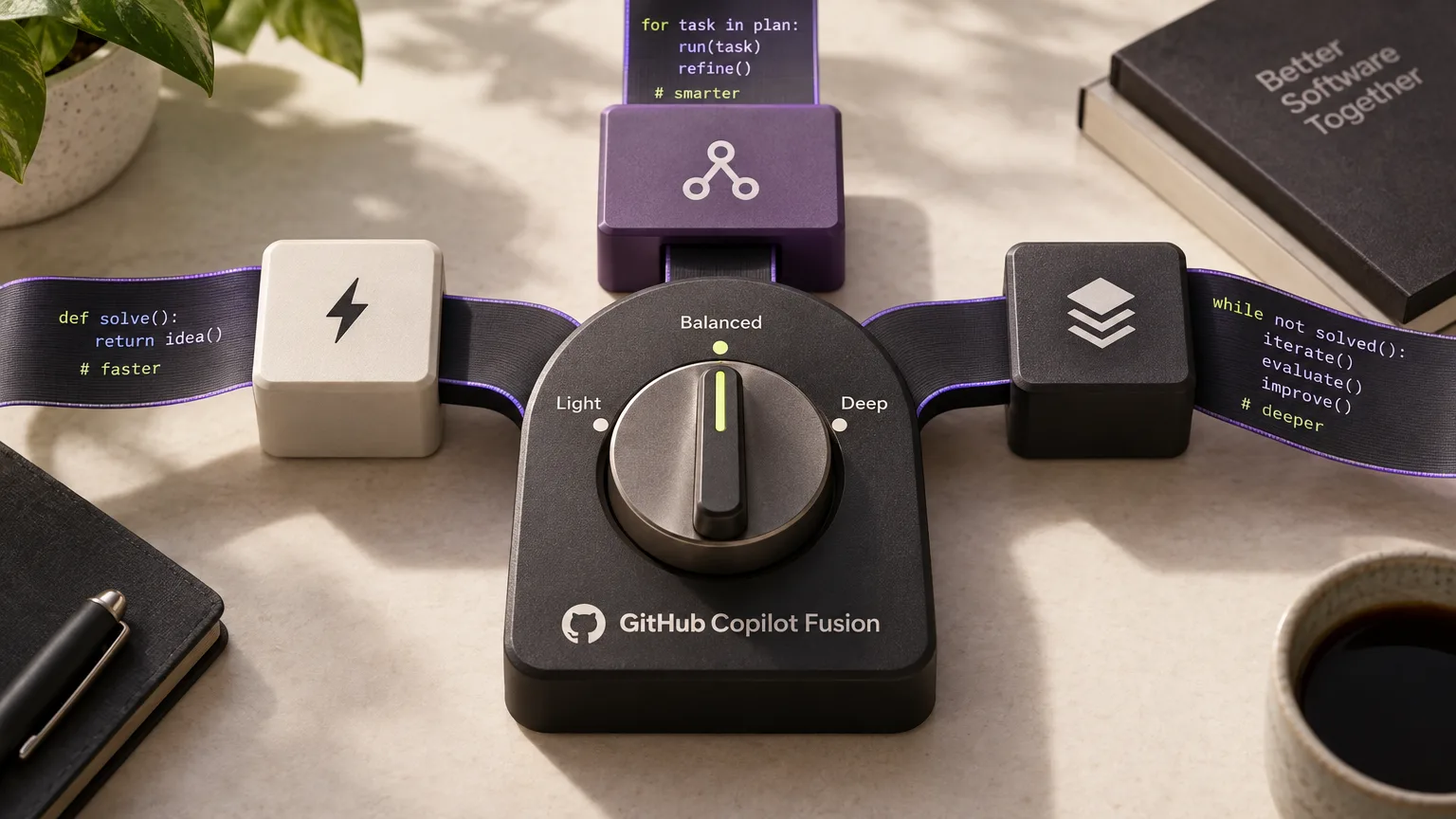
GitHub has made Copilot Fusion generally available, giving developers a system that selects and, when needed, combines AI models for coding tasks. Rather than choosing a specific model, users select an effort level; Fusion then determines which models to use and how they should work together for each prompt.
Three effort levels for different tasks
Fusion brings together model selection from Copilot auto model selection and multi-model orchestration from Project HydraFusion. Developers select Copilot Fusion in the model picker and then set their preferred effort level.
Fusion Standard prioritizes versatile models for everyday coding. Fusion High favors more capable models for challenging tasks and deeper reasoning, while Fusion Max prioritizes the most capable models for the most demanding tasks and complex reasoning.
How the models work together
Fusion can handle a task in several ways. In the Single workflow, one model solves it directly. In Cascade, an efficient model drafts a response and a quality check decides whether to accept it or pass the task to a stronger model.
Critique brings in a second model as a reviewer: the first drafts a response, the second reviews it, and the original model then revises it.
Fusion Max in a coding benchmark
According to GitHub, Copilot Fusion Max scored 60 in the Artificial Analysis Coding Agent Index, within two points of Claude Code with Opus 5.5 Max. It used about half as many tokens per task and took about 40% less time.
Availability and settings for organizations
Users of any Copilot plan can access Copilot Fusion through JetBrains IDEs, GitHub Copilot CLI, the GitHub Copilot app and Visual Studio Code. Support for additional clients is planned.
Each model used is billed at its standard rate; for a limited time, users on paid Copilot plans receive a 30% discount on model costs when using Fusion.
The system uses only models enabled by enterprise and organization policies. Enterprise administrators can disable individual models for Fusion without disabling them for all users, and can set Fusion at any effort level as the default model through Enterprise managed settings.
For research preview participants, previous selections of auto, HydraFusion and HydraFusion Max will automatically transition to the corresponding Copilot Fusion effort levels.