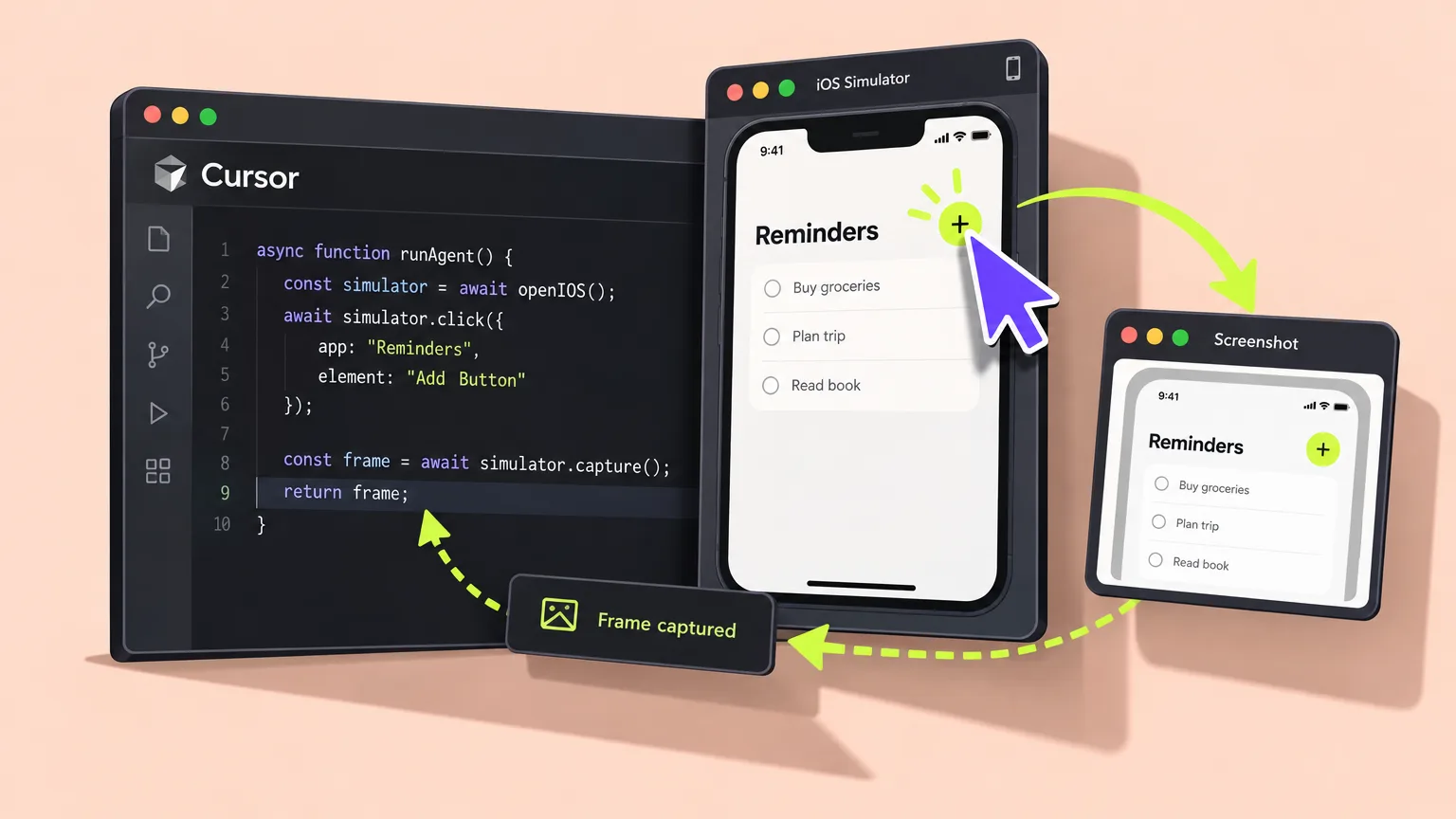
Cursor has added Computer Use to its desktop development environment. The feature lets its local coding agent interact with graphical applications on a developer’s machine by clicking, entering text and taking screenshots. Within a single task, the agent can now edit code and check the result in a native interface.
From implementation to testing in iOS Simulator
One concrete use is building an iOS feature. The agent can write the code, launch Simulator and try out the interface. It can then check the result and revise the code if needed, all within the same task.
This goes beyond the screenshots available through the earlier Render Preview feature. That tool could show the agent images from the simulator, but a person still had to operate the simulated device. Computer Use adds direct interaction.
Desktop control comes to the local IDE
Previously, the local agent could edit files, execute commands and interact with websites using a browser tool. Tasks involving native desktop applications, however, required user intervention or external tool servers connected through the Model Context Protocol (MCP).
Computer control is not entirely new to Cursor: it was already supported by cloud agents and self-hosted workers. The new release brings that capability into the local IDE, giving the agent access to the developer’s active desktop.
Start with @Computer Use or let the agent choose
Developers can explicitly invoke the tool by including @Computer Use in a prompt. The agent can also select it automatically when it determines that a task requires interaction with a visual interface.
The feature is available by updating the desktop application from Cursor’s download page. No pricing change was announced alongside the release.
Access depends on permissions and compatibility
Computer Use works with the machine’s active display and input controls. Whether a particular application can be included in an automated task depends on operating-system permissions and application compatibility. Here, “local” refers to the computer being controlled, not where the AI model runs.
Access to the active desktop also means the agent may encounter private messages, credentials, production accounts or controls that can perform destructive actions. Its actions can also conflict with a person using the mouse or keyboard at the same time.