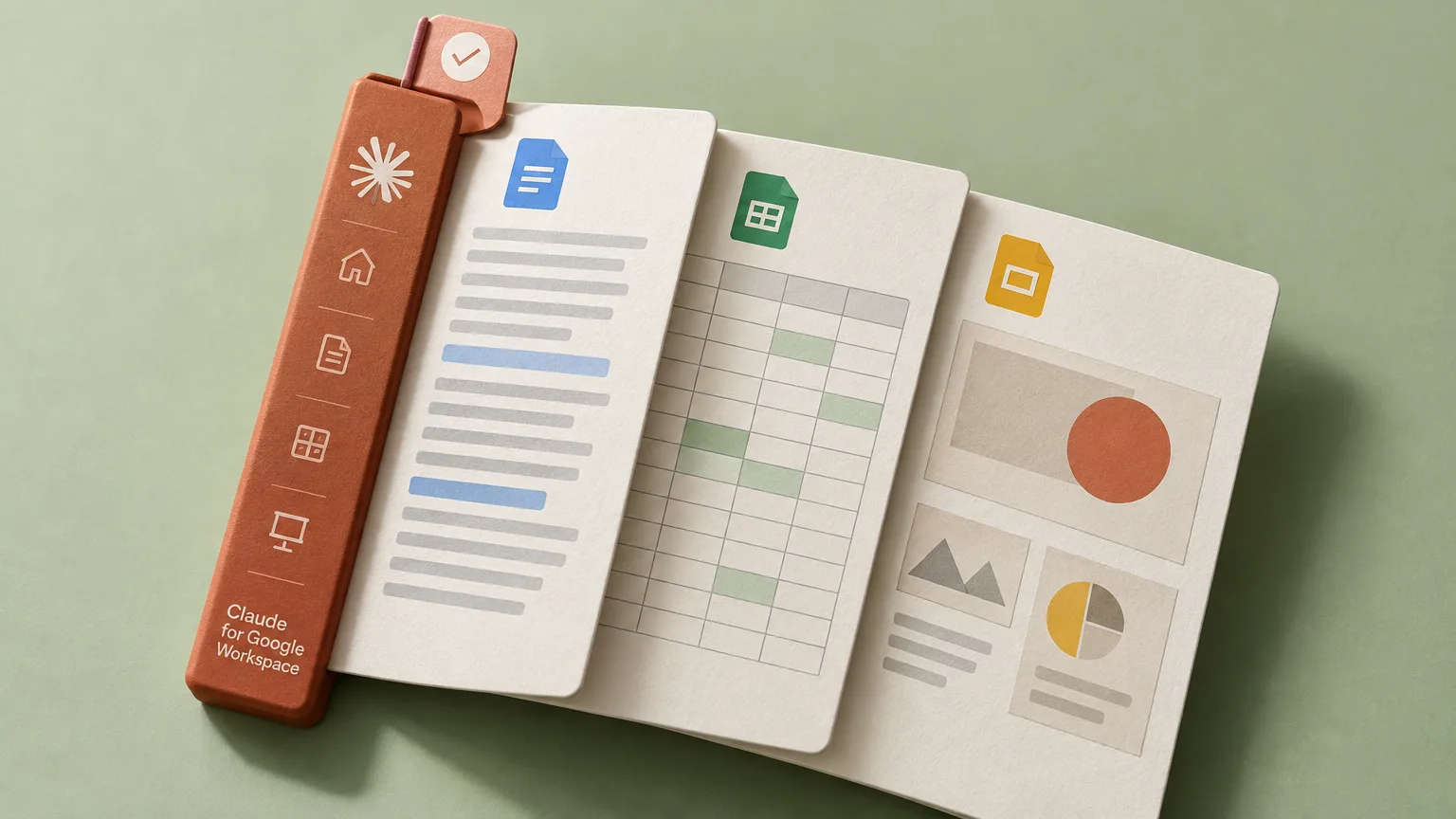
Anthropic has launched Claude for Google Workspace in public beta, bringing the assistant directly into Google documents, spreadsheets and presentations. Its sidebar reads the open file and writes approved changes back into it, eliminating the need to copy content between Google Workspace and a separate chat. New connectors also let users work with those files from the Claude app.
Text editing, spreadsheet analysis and slide creation
In Google Docs, Claude can revise individual sentences and headings while retaining the formatting of the surrounding text. More extensive rewrites appear on suggestion cards, which users can accept or dismiss.
In Google Sheets, the assistant goes beyond changing cell contents. It can build formulas and pivot tables, add new tabs and create native charts. For more demanding analysis, it can process a selected range using Python, then write the results back into the spreadsheet.
When building slides in Google Slides, Claude uses the presentation’s existing layouts and theme. It then checks for objects that overlap, content extending beyond a slide’s boundaries and text that is difficult to read.
Open Google files beside Claude chat
The Workspace connectors reverse the sidebar workflow: a document, spreadsheet or presentation appears in a pane beside the conversation in Claude. The assistant can create or modify the file there while the user edits it at the same time. Pasting an existing file’s link into Claude opens it.
Creating a new file requires a specific prompt. To produce a Google file, the request must explicitly name a Google Doc, Sheet or Slide. A generic request for a document or presentation instead creates a local Claude artifact.
The side-by-side editor works on the web in Chrome and in Claude Desktop with its built-in browser enabled. That browser is disabled by default on Enterprise plans. When the editor is unavailable, the file card offers an Open in Google link; Firefox is not supported.
Two modes for approving edits
The default Ask before edits mode presents each proposed change for approval with a summary. Switching to Accept all edits lets the assistant continue through the task without confirmation at every step. Manual approval is still required to insert a link, add an image from a URL or remove another person’s access.
File access remains governed by Google’s existing sharing permissions. Claude can work only with files that the current user is allowed to open.
Context, attachments and task limits
Users can select the Claude model for a particular task. Connectors to organization-approved business systems can provide additional context, and web search can be enabled as an option. Each message supports up to 20 attachments, with a size limit of 30 MB per document.
Conversation history is stored separately for each file in the current browser. It does not sync between browsers or devices. The sidebar also cannot open another Drive file while the current task is running.
The initial beta excludes some administrative and scripting operations. Claude cannot grant access to files or transfer their ownership, nor can it create Google Apps Script triggers or custom menus. Each operation stops after six minutes, limiting the duration of autonomous tasks.
Availability and organizational deployment
The public beta is available on all paid Claude plans. Users can install the add-on from Workspace Marketplace, while administrators can deploy it through the Google Admin console. On Enterprise plans, an owner must separately enable the Workspace connectors before users can edit Google files from Claude.
Existing Claude account controls also apply to the integration. These include the Compliance API, customer-managed encryption keys through CMEK and audit data exports through OpenTelemetry.