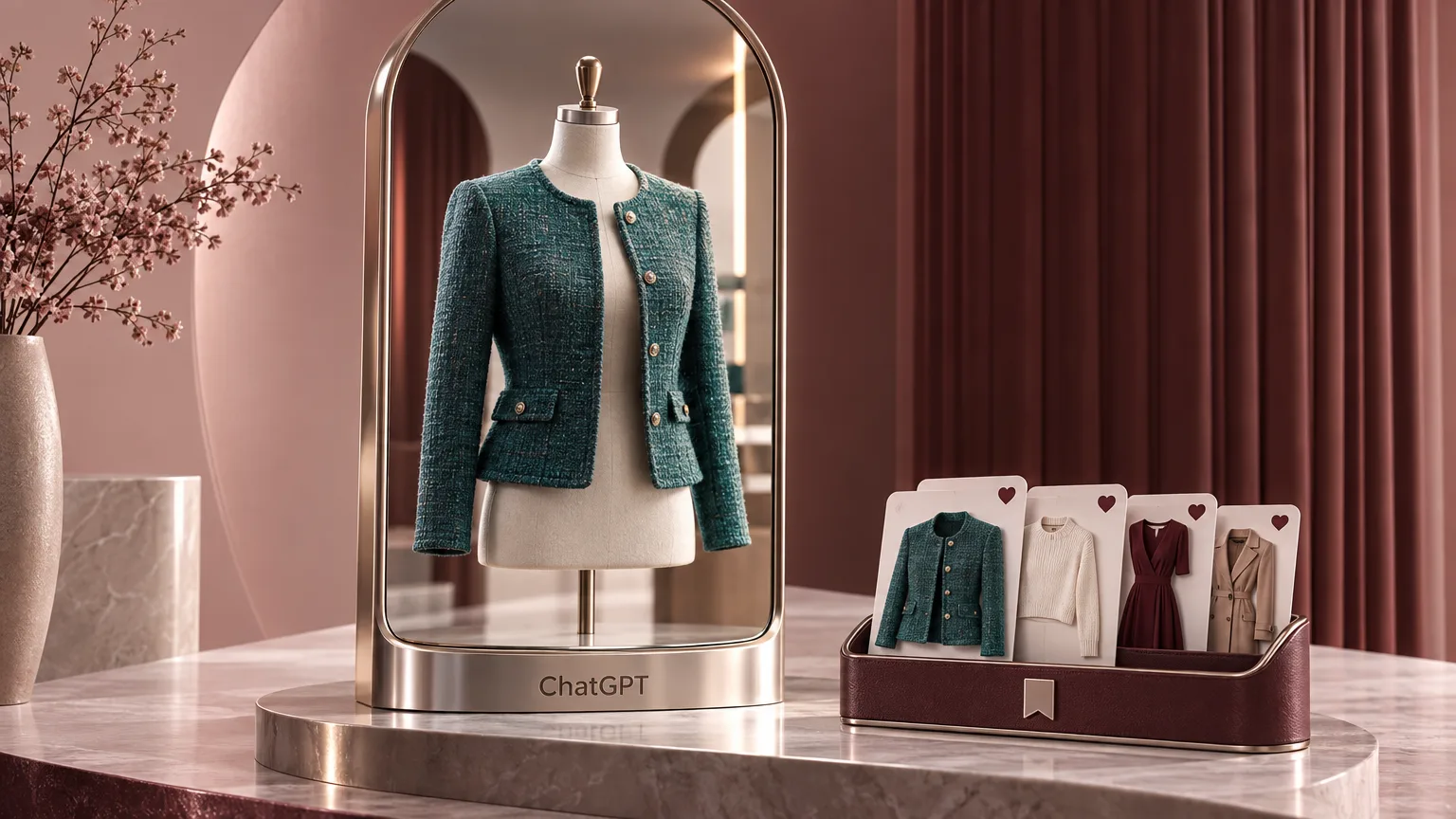
OpenAI introduced two new shopping features in ChatGPT and announced their worldwide launch. Virtual try-on lets users visualize how selected clothing or an accessory might look on them. The second addition, Favorites, saves discovered products that users want to return to later.
Try on items using your photo or a product image
To use virtual try-on, users upload a selfie or a full-body photo. A new Try On button will appear in ChatGPT’s shopping results, allowing them to generate a visualization of the selected clothing or accessory on their photo.
Users can also upload an image of a specific product and ask ChatGPT to show it on them. A screenshot from a website can serve as the product image.
The features use ChatGPT Images 2.5
According to OpenAI, the new shopping features use the newly released ChatGPT Images 2.5 model. The company says it produces images with more natural lighting and richer textures. It also claims the model follows editing instructions more reliably and takes less time to generate images.
Favorites saves products to the Library
Favorites lets users save discovered products to the app’s Library and revisit them later. OpenAI says those products are stored alongside images created during virtual try-on.
Find an outfit from a description or photo
OpenAI also describes a way to start a shopping search with a written request: users can explain the style they want to try and ask ChatGPT to find the individual pieces needed to put the outfit together.
According to the company, users can also upload photos of celebrities’ outfits as inspiration. They can then ask ChatGPT to find the items those celebrities are wearing that are available to buy.